1. Create the approved product record
Keep SKU, identifiers, variant relationships, materials, measurements, compatibility, images, and permitted claims in a source record. Identify where each fact came from. Preserve unknown attributes as unknown. Separate product content from price, stock, tax, shipping, and fulfillment settings.
2. Specify the destination fields
Name the store, marketplace country, category, language, and required fields. A Shopify product page and an Amazon listing have different structures. Prepare title, description or bullets, metadata, image references, and attribute mappings only where the destination supports them. Ask for a missing-field list before generation.
3. Choose drafting or connected publishing
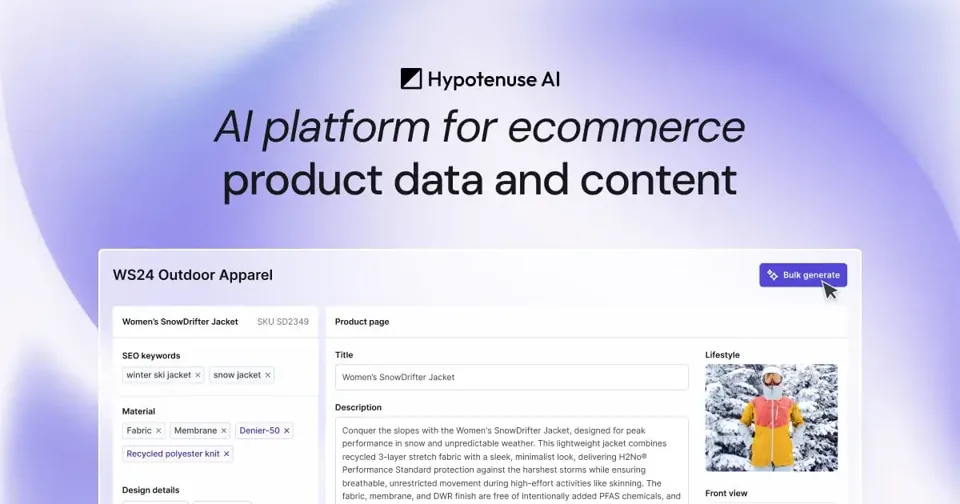
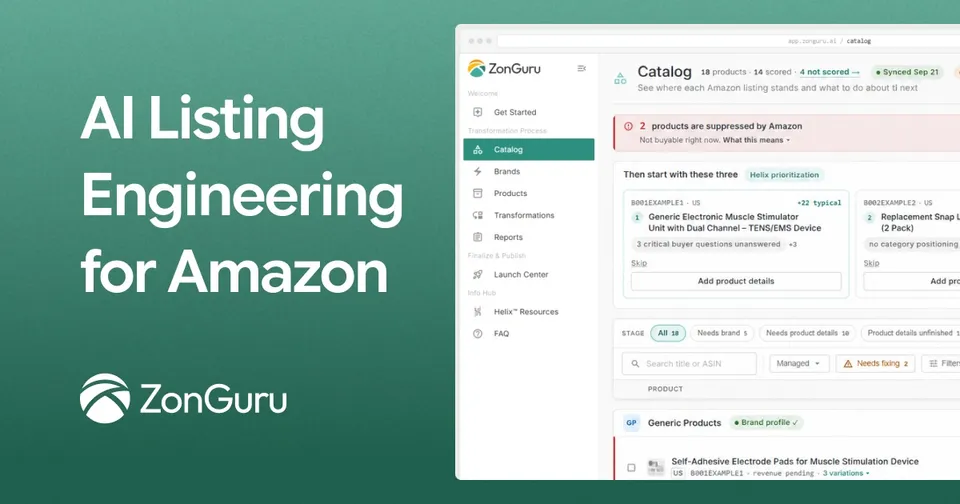
Helium Agent is a candidate for Amazon draft preparation. ZonGuru Helix advertises reviewed Amazon publishing. Describely advertises a Shopify connector; Hypotenuse offers catalog agents and publishing workflows; LitCommerce handles supported multichannel listings and sync. Verify your actual connector, marketplace eligibility, and permissions rather than inferring them from a platform tag.
4. Review a single SKU before a batch
Compare the output with the approved record. Check every identifier, variant, measurement, feature, and claim. Review source and destination category mappings, image requirements, inventory behavior, and which system is authoritative. Save the original export or revision before publication.
- Reject invented certifications, materials, compatibility, and performance claims.
- Check units, language, variants, and required category attributes.
- Validate price and stock independently from generated copy.
- Record the exact fields approved for change and the restoration method.
5. Verify the destination after publication
Where you have an eligible publishing connection, begin with one approved product. Inspect the live page, variants, images, price, and inventory; review errors and subsequent sync behavior. Expand the batch only after the checks pass. This guide does not demonstrate a completed upload or establish unattended store management.