1. Lock the product facts and source assets
Provide accurate photos, dimensions, materials, color variants, product labels, and the claims you can support. Specify which variant appears in the creative. If the photo omits a feature, supply a reference or mark it unknown. Avoid asking a generator to invent a product detail.
2. Choose the placement and one message
A listing image, a TikTok vertical ad, and a Shopify lifestyle image serve different jobs. Write the destination, aspect ratio, duration, audience, and one message before generating. Build three concepts with different hooks while keeping the approved product facts constant.
3. Pick the workflow for the deliverable
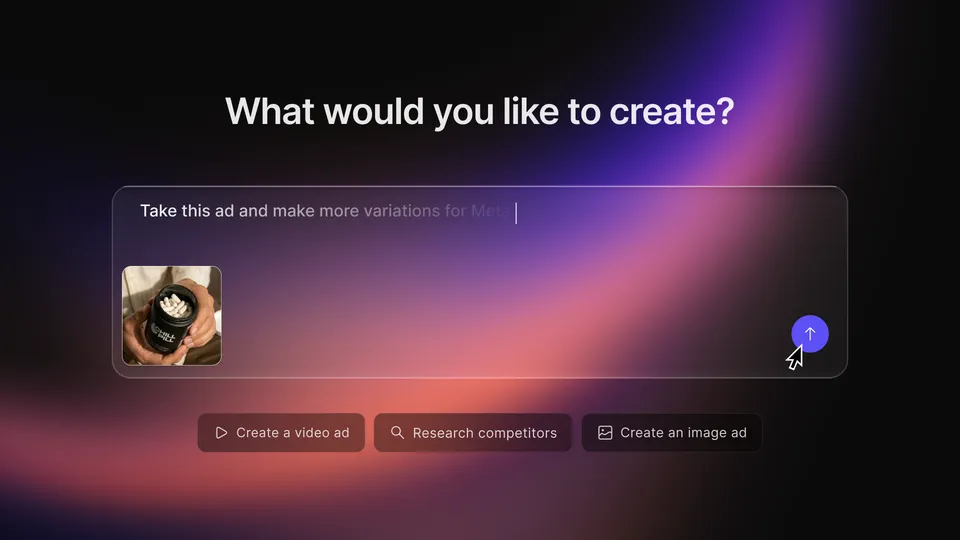
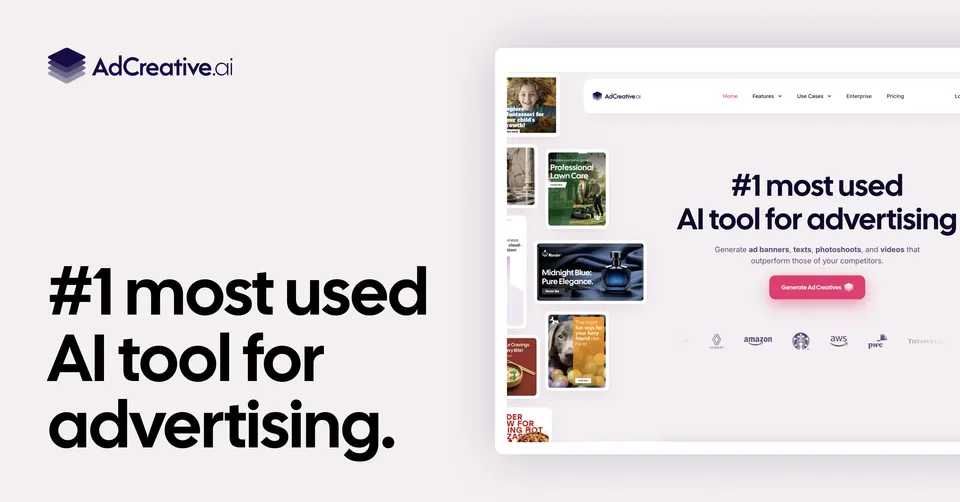
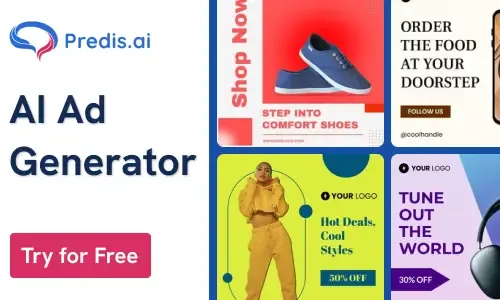
Pikpop’s Kira specialist advertises lifestyle images and ecommerce assets alongside its product research workflow. Pikpop is from our team. Creatify Agent and Topview advertise agent-driven creative and video production. AdCreative.ai and Predis.ai provide AI creative features. The platform tags here describe asset suitability; native store operation is not established.
4. Review a draft systematically
Inspect every visible product feature and claim. Check packaging text, hand interactions, scale, lighting, voice, captions, and export settings. Generated UGC-style scenes must not masquerade as real customer testimonials. Confirm commercial-use permissions for source images, voices, likenesses, and model outputs.
- Reject incorrect product shape, logos, labels, or materials.
- Keep a list of changes and count the revisions needed.
- Review the destination platform’s current creative requirements.
5. Test a controlled variation
Choose one variable, such as hook or visual setting, and set a budget and observation period. Include generation charges, rejected outputs, and editing time in cost. Judge results using actual campaign and order data; a creative score or attractive preview does not establish improved conversion.
 Poppy
Poppy Piki
Piki Pinn
Pinn Kira
Kira