Who is it for?
Creative teams composing product scenes with reusable templates and brand assets.
What the product advertises
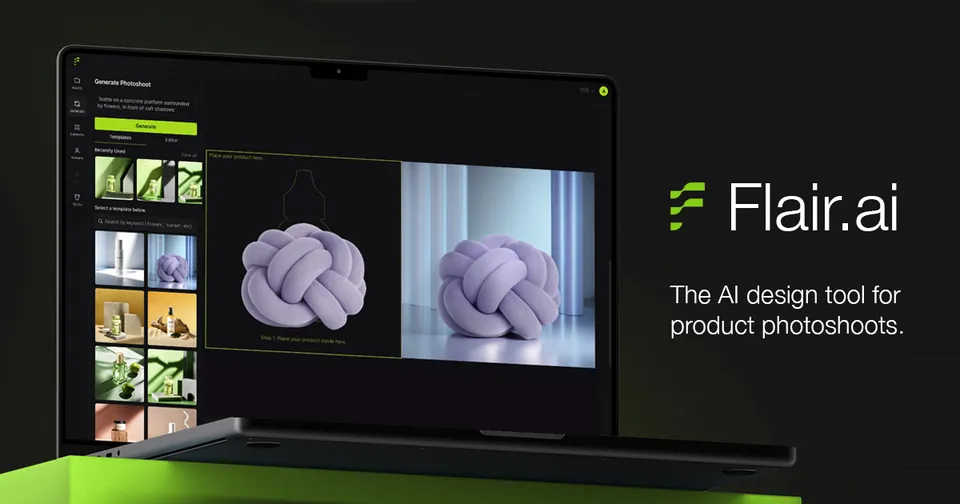
- Drag-and-drop scene composition with props and templates
- AI product photography, on-model images, and product videos
- Real-time team collaboration and API features are advertised
Platform fit
Creative assets for any store. Platform tags can describe a native connection, marketplace data, or exported content. The access and limitation notes below explain what to confirm.
Access and setup
Flair account, product reference images, and applicable generation allowance. Confirm the current availability and supported workflows in the official product documentation before choosing a plan.
Pricing notes
Free entry advertised · Paid and enterprise plans. We summarize the charging model rather than quote a price that may vary by plan, region, billing period, or usage. Check the official site for current terms.
Limits to check
- Store tags describe creative suitability; native marketplace publishing was not verified
- Check team, model-training, API, and export eligibility on your plan
- Review logos, patterns, garment fit, and product fidelity
- Commercial-use and likeness permissions need review
How to evaluate it
Use one real task and a written set of success criteria. Check output accuracy, source traceability, setup time, and total cost. Review any proposed store action before enabling it. This listing summarizes public information; it does not establish performance in your store.
Sources and commercial relationship
Official product source ↗ · Reviewed 2026-10-01.
No affiliate link or paid placement used here. There is no paid placement on this listing. Read our editorial approach.