 PikpopYour AI team for commerce


 AI agent team
Pikpop
From our teamAn AI team for product research, development, supplier sourcing, and ecommerce visuals.
Research & creative workflows
Paid plans · 200 trial credits
FIND TOOLS BY TASK
Create and improve product listings, images, and advertising content. Check the platform fit and access requirements in each listing.
PikpopYour AI team for commerceAI agent teamAn AI team for product research, development, supplier sourcing, and ecommerce visuals.
Paid plans · 200 trial credits

 AI agent
An account-connected commerce assistant for keyword research, listings, and business insights.
Eligible Helium 10 plan required
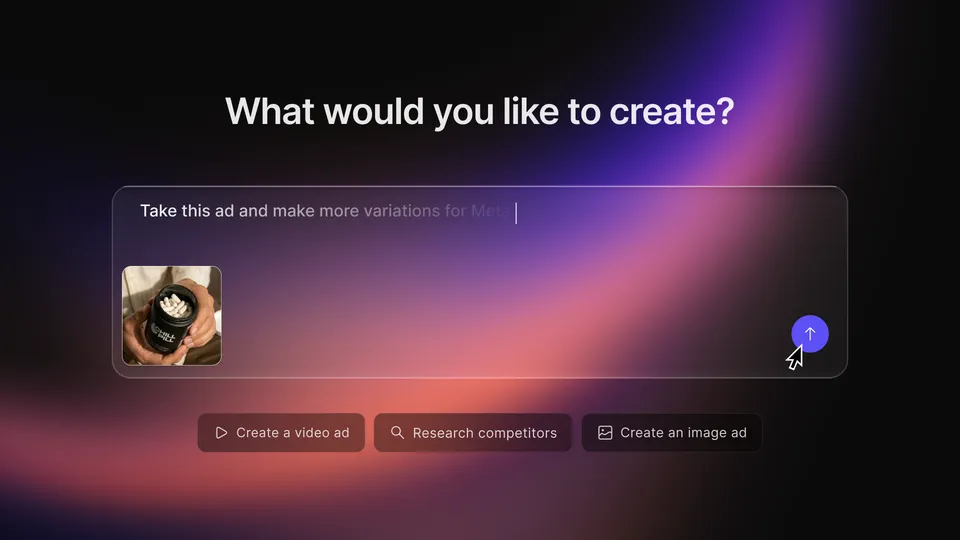
 Creative agent
An AI creative workflow for planning and producing product image and video ads.
Paid plans · Trial advertised

 Creative agent
A video agent that plans scenes and creates editable marketing assets from an idea, script, or product URL.
Plan and generation allowances apply
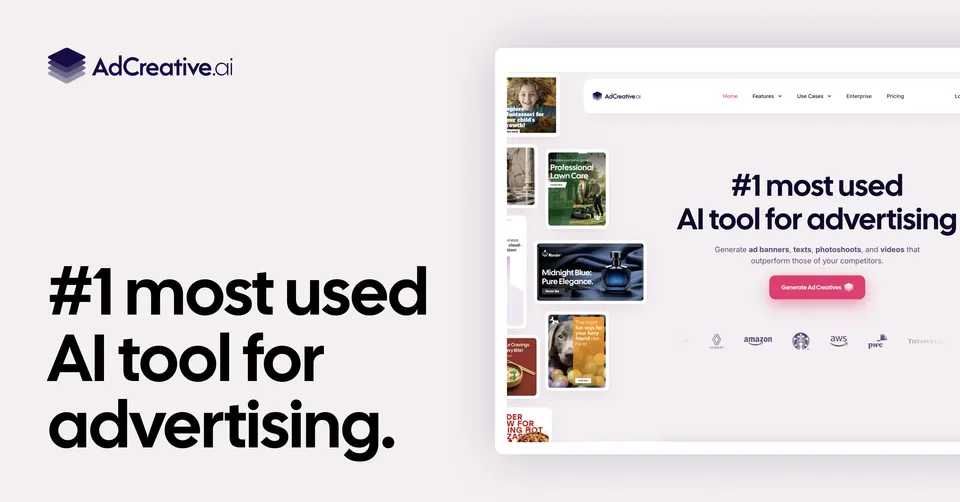
 AI creative tool
Generate ad images, copy, product photos, and video variations with creative analysis features.
Paid plans · Download credits apply

 AI creative tool
Create product ads, images, copy, and UGC-style videos from a prompt, product link, or image.
Paid plans · Trial advertised

 AI image tool
AI product photography, background editing, and batch visual production for ecommerce catalogs.
Free entry advertised · Plan and API limits apply
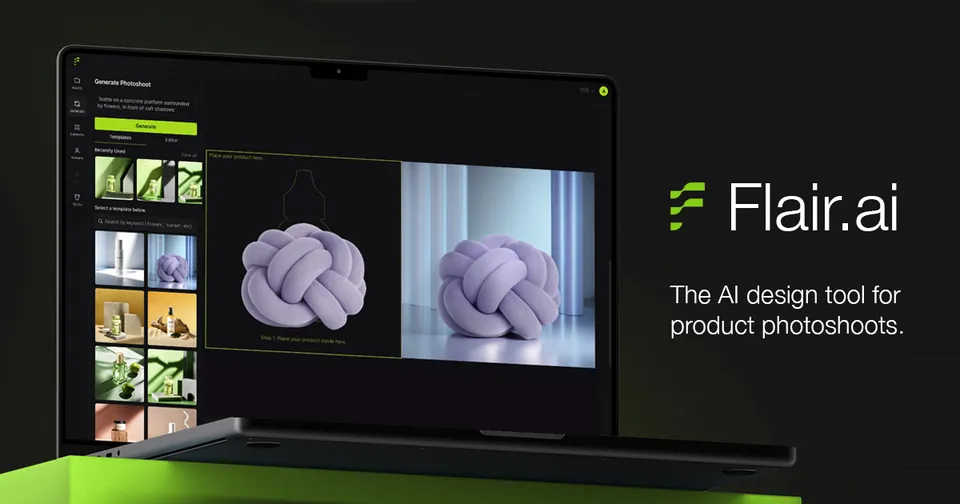
 AI creative tool
A visual canvas for AI product photoshoots, on-model imagery, and branded creative variations.
Free entry advertised · Paid and enterprise plans

 AI fashion image tool
AI fashion models and visual workflows for on-model, flat-lay, mannequin, and fashion video assets.
Check current image allowances and pricing
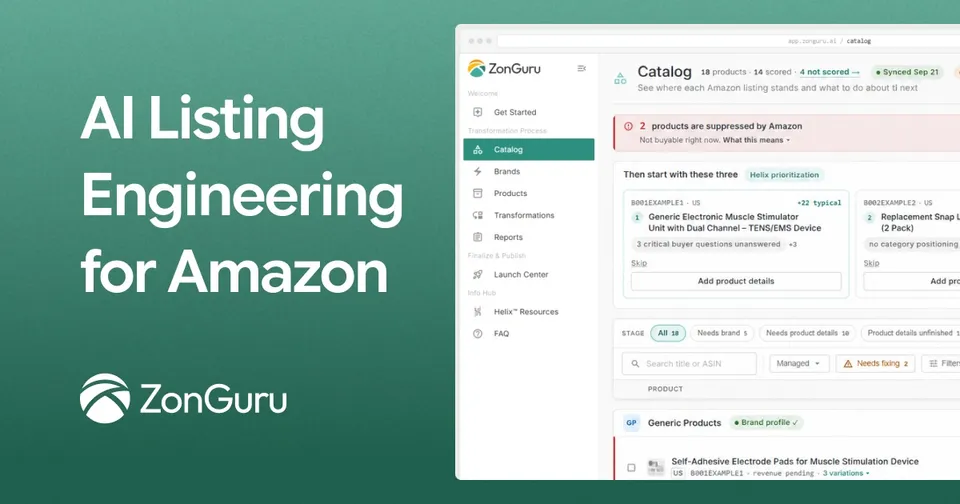
 AI listing tool
Amazon listing analysis, AI-assisted listing changes, monitoring, and supported publishing workflows.
Check current Helix plans · Enterprise on request

 AI advertising platform
Amazon research, listing analysis, reporting, and AI or rule-based advertising optimization.
Self-serve and service pricing vary
Give the tool verified specifications, a defined audience, desired format, and permitted claims. Helium Agent focuses on Amazon research and listings; Creatify Agent supports creative planning and production. Pikpop’s Kira specialist creates and adapts ecommerce visual assets, alongside its research and sourcing workflows. They belong to the same content workflow but produce different types of output.
Check variants, dimensions, materials, product appearance, captions, licensing, and any claims in the output. Match the asset to the destination platform’s current specifications. Keep a copy of the source brief and final edits so that changes can be reviewed. Neither an AI draft nor a creative generator guarantees improved conversion.