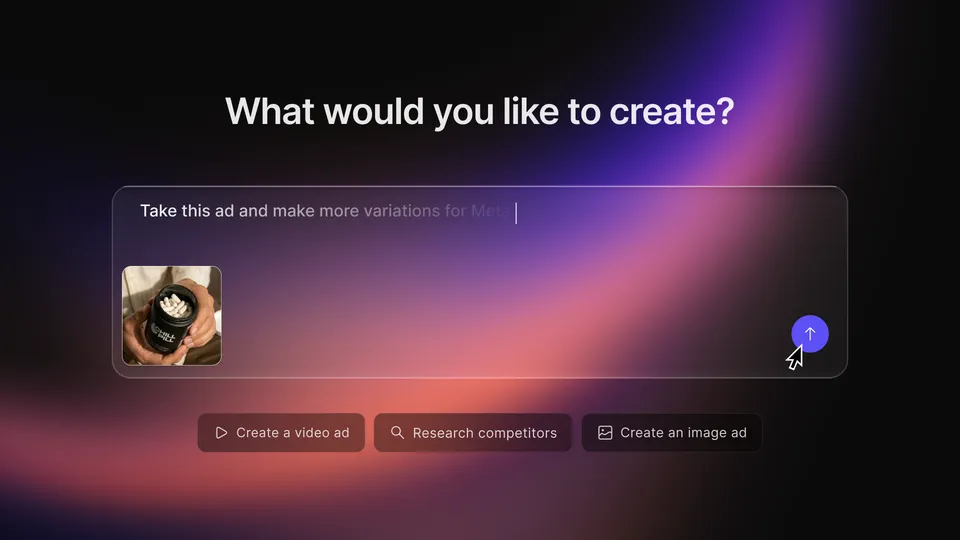
 Creative agent
Creatify Agent
An AI creative workflow for planning and producing product image and video ads.
Creative assets for any store
Paid plans · Trial advertised
FIND TOOLS BY TASK
Create and edit product videos, synthetic presenter ads, captions, and localized creatives. Check the platform fit and access requirements in each listing.
Creative agentAn AI creative workflow for planning and producing product image and video ads.
Paid plans · Trial advertised

 Creative agent
A video agent that plans scenes and creates editable marketing assets from an idea, script, or product URL.
Plan and generation allowances apply

 AI creative tool
Generate ad images, copy, product photos, and video variations with creative analysis features.
Paid plans · Download credits apply

 AI creative tool
Create product ads, images, copy, and UGC-style videos from a prompt, product link, or image.
Paid plans · Trial advertised
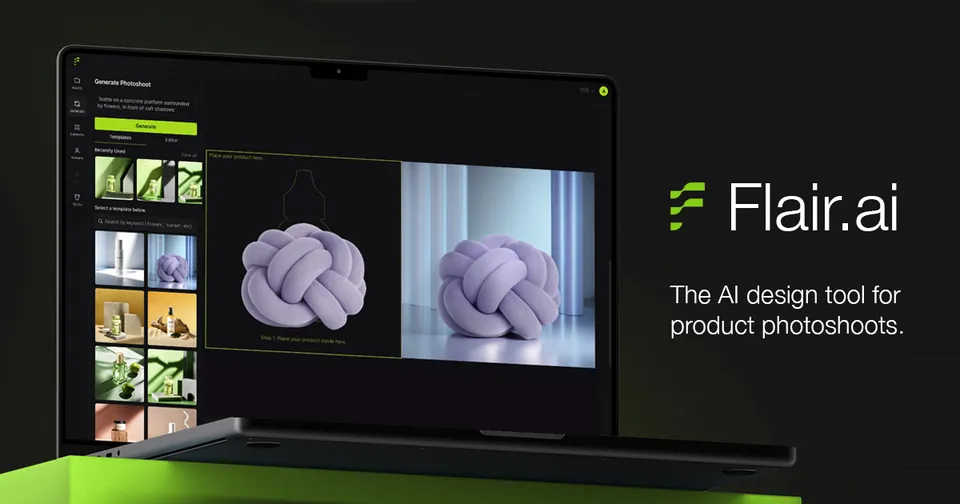
 AI creative tool
A visual canvas for AI product photoshoots, on-model imagery, and branded creative variations.
Free entry advertised · Paid and enterprise plans

 AI fashion image tool
AI fashion models and visual workflows for on-model, flat-lay, mannequin, and fashion video assets.
Check current image allowances and pricing

 AI video tool
Create synthetic actor videos, product showcases, and editable ad variations from a creative brief.
Paid plans · Free trial advertised
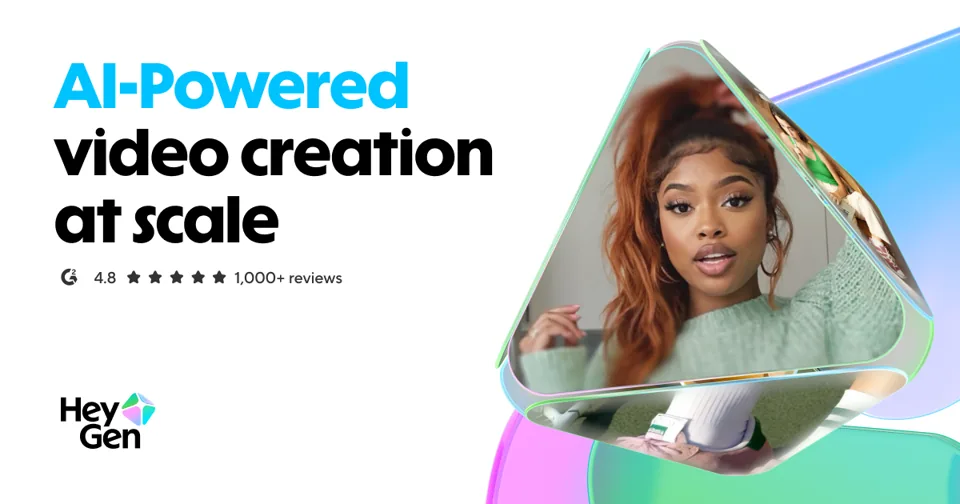
 AI video tool
Generate avatar-led videos and localize approved product scripts with translation and voice features.
Free plan · Creator from $29/month
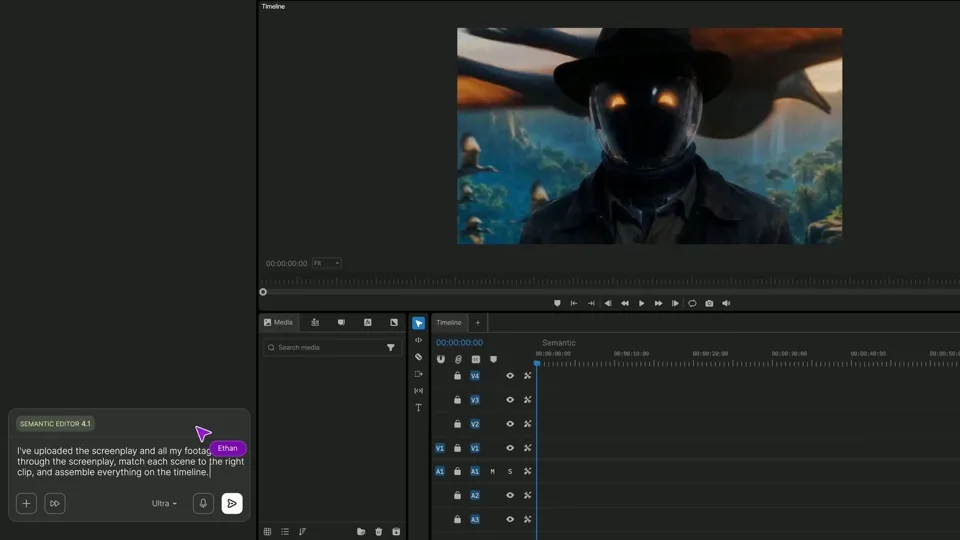
 Video editing agent
An agentic video editor for planning, finding footage, and applying edits on a reviewable timeline.
Paid seats · Starter $20/month billed annually

 Creative agent platform
Generate and edit video, images, and audio with creative agents and model-based production workflows.
Free entry · Standard $12/month billed annually

 AI product image tool
Prepare product images with background editing, AI photoshoots, enhancement, fashion models, and API workflows.
Free trial · Web and API plans
 Creative agent
A creative agent and image workspace for product photos, backgrounds, batch edits, and video assets.
Free plan · Pro $8/month billed annually
A synthetic presenter, a generated product scene, and an edit of real footage are different jobs. Arcads and HeyGen are candidates for presenter-led output; invideo provides an agentic timeline workflow; Runway, Creatify, and Topview offer creative generation and editing. Compare the same brief and required export, rather than assuming every video tool does the same thing.
Supply approved product facts, reference assets, one message, aspect ratio, and duration. Record generated clips, rejected scenes, revisions, credit consumption, and editing time. Check product geometry, labels, voice, captions, rights, and the destination channel. Platform tags here describe asset suitability unless a listing identifies a connected publishing workflow.